

AUDURA Turntable Troubleshooting
Practical solutions for common AUDURA turntable, audio, Bluetooth, and playback problems.
Having trouble with your AUDURA turntable?
Find step-by-step solutions for common issues including power problems, no sound, skipping records, Bluetooth connection issues, humming, distorted audio, and playback speed problems.
Start with the problem that best matches what you're experiencing.
Common AUDURA Turntable Problems
What problem are you experiencing?
Choose the issue that best matches what you're experiencing.
Check the power adapter, power connection, outlet, and power switch.
Check the power connection, platter installation, playback controls, and anything preventing the platter from rotating freely.
Check the volume, audio connections, output settings, and Bluetooth connection if applicable.
Check the volume, output settings, speaker connections, and audio equipment compatibility.
Check the record, stylus, tonearm balance, tracking force, and audio connections.
Check the record condition, turntable surface, tonearm balance, tracking force, and stylus.
Check audio cables, power connections, speaker connections, and nearby electronic interference.
Check Bluetooth pairing mode, wireless range, previous connections, and model compatibility.
Check the wireless range, nearby interference, and other active Bluetooth connections.
Check the Bluetooth connection, volume, and selected audio output.
Check the selected speed and make sure the correct 33⅓ or 45 RPM setting is being used.
Check the speed setting, platter installation, drive system, and any obstruction affecting rotation.

Before You Start
Before troubleshooting your AUDURA turntable, make sure the turntable is placed on a stable, level surface and all required connections are secure.
If you are working with the tonearm, stylus, or cartridge, handle these components carefully to avoid damage.
For model-specific instructions, always refer to your AUDURA user manual or setup guide.
Quick checks
- Confirm the turntable is connected to power.
- Make sure the correct audio output is selected.
- Check that speakers or headphones are connected correctly.
- If your model supports Bluetooth audio, make sure the compatible Bluetooth device is paired correctly.
- Confirm the correct 33⅓ or 45 RPM setting.
- Make sure the record is clean and properly positioned.
- Check that the tonearm and tracking force are set according to your model.
Power & Turntable Problems

Why Won't My Turntable Turn On?
If your AUDURA turntable does not turn on, start by checking the power connection.
Try these steps:
- Make sure the power adapter is securely connected to the turntable.
- Confirm the power adapter is connected to a working outlet.
- Check that the power switch or control is set to the correct position.
- Disconnect the power adapter, wait briefly, then reconnect it.
- Try powering the turntable on again.
If your turntable still does not turn on, contact AUDURA Support and provide your model information and order number.

Why Won't My Turntable Spin or Play a Record?
If your AUDURA turntable powers on but the platter does not spin or the record does not begin playing, check the power, platter, playback controls, and record setup.
Try these steps:
- Make sure the turntable is powered on.
Confirm that the power adapter is securely connected and that the turntable is receiving power. - Check that the platter is installed correctly.
Make sure the platter is properly seated and can rotate freely without obstruction. - Confirm the correct playback mode or speed is selected.
Depending on your AUDURA model, select the appropriate playback function and confirm that the correct speed is selected for your record. Common vinyl speeds include 33⅓ RPM and 45 RPM. - Make sure the record is positioned correctly.
Place the record flat on the platter and make sure there are no objects interfering with the platter or record. - Check the tonearm and stylus position.
Make sure the tonearm is properly unlocked and positioned according to your model's instructions before starting playback. - Try another record.
If the platter spins but one record does not play correctly, inspect the record for damage, warping, or other playback issues.
If the platter still does not spin, or the turntable does not begin playback after these checks, refer to your AUDURA model's user manual or Setup Guide. If the problem continues, contact AUDURA Support with your model information and, if possible, a short video showing the issue.
Sound & Playback Problems

Why Is There No Sound?
If your AUDURA turntable is playing but you cannot hear sound, check your audio connection and output settings.
Try these steps:
- Check the speaker or headphone connection.
- Confirm the volume is turned up.
- Make sure the correct input or output mode is selected.
- If using Bluetooth, confirm that the audio device is connected.
- Make sure the stylus is correctly positioned on the record.
For models connected to external speakers or audio systems, make sure the connected equipment is powered on and set to the correct input.

Why Is My Turntable Volume Too Low?
Low volume can be caused by incorrect output settings, speaker connections, or compatibility between your turntable and audio equipment.
Try these steps:
- Increase the turntable or speaker volume.
- Check all audio connections.
- Confirm the correct output mode is selected.
- Check whether your connected speakers require an amplifier.
- If using a phono or line-level connection, confirm the correct setting for your system.
If the volume remains unusually low, check your model's specifications or contact AUDURA Support.

Why Does My Turntable Sound Distorted?
Distorted audio can be caused by record condition, stylus condition, incorrect tracking force, or audio connection settings.
Try these steps:
- Try playing a clean record.
- Check the stylus for visible dust or debris.
- Confirm the tonearm is correctly balanced.
- Check the recommended tracking force for your model.
- Check your speaker and audio connections.
If distortion continues across multiple records, contact AUDURA Support.

Why Is My Record Skipping?
Record skipping can be caused by dust or dirt, a damaged or warped record, an unstable surface, incorrect tonearm balance, or incorrect tracking force.
Try these steps:
- Clean the record.
- Place the turntable on a stable, level surface.
- Check the tonearm balance.
- Confirm the tracking force matches your model's recommended setting.
- Check the stylus for dust or visible damage.
- Try another record to determine whether the issue is specific to one record.
If skipping continues with multiple records after checking the setup, contact AUDURA Support.

Why Is My Turntable Making a Humming or Buzzing Noise?
Humming or buzzing can be related to cable connections, power sources, grounding, or nearby electronic devices.
Try these steps:
- Make sure all audio cables are securely connected.
- Keep audio cables away from power adapters where possible.
- Move the turntable away from other electronic devices.
- Check your speaker and amplifier connections.
- Confirm that the connected audio equipment is using the correct input and connection settings.
If the noise continues, contact AUDURA Support for further assistance.
Bluetooth Problems

Why Won't My AUDURA Turntable Connect to Bluetooth?
Bluetooth functionality varies by AUDURA model. Before troubleshooting, check your model's product specifications or user manual to confirm whether it supports Bluetooth input, Bluetooth output, or another Bluetooth function.
If your model supports Bluetooth output:
- Activate Bluetooth pairing mode according to your product instructions.
- Put your compatible Bluetooth speaker or audio device into pairing mode.
- Keep the devices within the recommended wireless range.
- Disconnect previous Bluetooth connections if necessary.
- Search for the AUDURA turntable from your compatible Bluetooth audio device.
- Select the turntable and wait for the connection to complete.
If your model supports Bluetooth input:
- Activate Bluetooth input mode according to your product instructions.
- Put your phone, tablet, or other compatible audio source into pairing mode.
- Select the AUDURA system from the available Bluetooth devices.
- Wait for the connection to complete and confirm that the correct input mode is selected.
If Bluetooth still does not connect, check the product-specific setup instructions for your AUDURA model.

Why Does My Bluetooth Connection Keep Dropping?
Bluetooth connection drops may be caused by distance, interference, or another active Bluetooth connection.
Try these steps:
- Move the Bluetooth devices closer together.
- Remove unnecessary obstacles between the devices.
- Disconnect other Bluetooth devices that may be connected.
- Restart Bluetooth on both devices.
- Try pairing again.
If the connection continues to drop, check your model's Bluetooth specifications.

Why Is There No Sound Through Bluetooth?
If your Bluetooth device is connected but no audio is playing, check the selected output and volume.
Try these steps:
- Confirm the Bluetooth connection is active.
- Increase the volume on the connected Bluetooth device.
- Check the turntable's volume or output controls.
- Make sure the Bluetooth device is selected as the active audio output.
- Disconnect and reconnect the Bluetooth device.
Confirm that the correct input or output mode is selected for your AUDURA model.
Tonearm, Stylus & Record Problems

How Do I Balance the Tonearm?
Proper tonearm balance helps the stylus track the record correctly.
If your AUDURA model uses an adjustable tonearm and counterweight:
- Turn the turntable off.
- Unlock the tonearm.
- Carefully adjust the counterweight until the tonearm is balanced.
- Set the tracking force according to your model's recommended specification.
- Secure the tonearm before handling the turntable.
Because tonearm systems can vary by model, always follow the instructions provided with your AUDURA turntable.
For detailed instructions:
[View the AUDURA Setup Guide]

How Do I Adjust Tracking Force?
Tracking force is the pressure applied by the stylus to the record during playback.
The correct tracking force depends on your AUDURA model and cartridge or stylus configuration.
Always use the tracking force recommended in your product instructions.
Incorrect tracking force can contribute to skipping, distortion, and unnecessary record or stylus wear.

Why Is My Stylus Skipping Across the Record?
If the stylus repeatedly skips across the record, check the record condition and tonearm setup.
Try these steps:
- Clean the record.
- Make sure the turntable is level.
- Check the tonearm balance.
- Confirm the recommended tracking force.
- Inspect the stylus for dust or visible damage.
- Try another record.
If the problem continues, contact AUDURA Support.
Speed & Performance Problems

Why Is My Record Playing Too Fast or Too Slow?
Check that the correct playback speed is selected.
Common vinyl record speeds include:
- 33⅓ RPM
- 45 RPM
Make sure the speed setting matches the record you are playing.
If the record still plays at the wrong speed after confirming the correct setting, contact AUDURA Support.

Why Is My Turntable Speed Unstable?
If the record speed sounds inconsistent or the pitch changes during playback, check the turntable's speed setting, platter, and drive system.
Try these steps:
- Confirm that the correct 33⅓ RPM or 45 RPM setting is selected.
- Make sure the platter is properly seated and can rotate freely.
- Check that the turntable is placed on a stable, level surface.
- If your model uses a belt-drive system, check that the belt is correctly positioned according to the product instructions. If the belt is visibly stretched, damaged, or worn, refer to the product-specific replacement instructions.
- Make sure there is no dust, debris, or other obstruction affecting the platter or drive mechanism.
- Try playing another record to determine whether the issue occurs across multiple records.
If the playback speed remains unstable after these checks, contact AUDURA Support and provide your model information and a short video of the issue if possible.
Need Help With a Specific AUDURA Model?
Troubleshooting steps can vary depending on your AUDURA turntable model.
Choose your model for product-specific setup instructions, specifications, manuals, and support information.
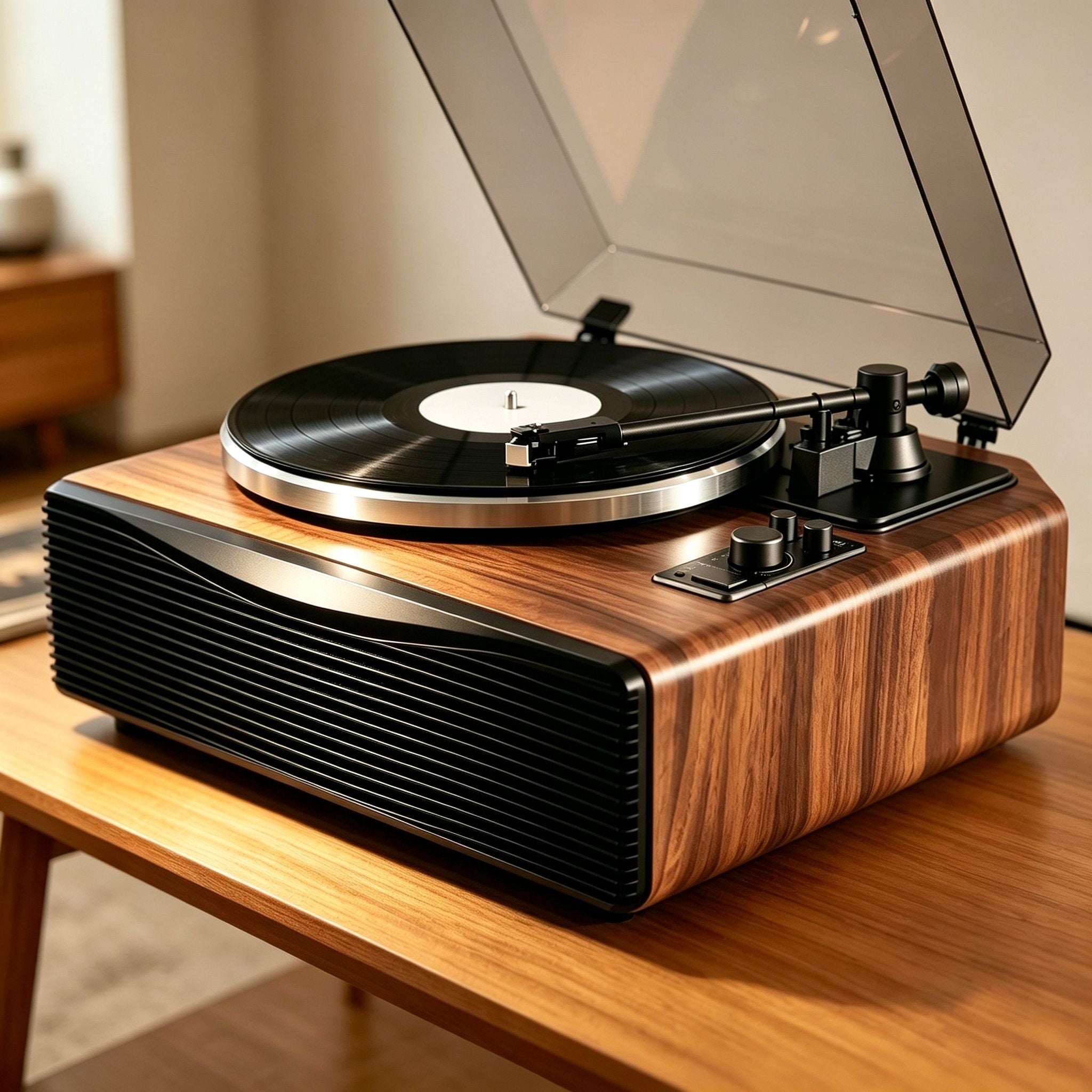
AUDURA Play
All-in-One Vinyl Listening System
Built-in speakers • Bluetooth • Plug & Play setup
View AUDURA Play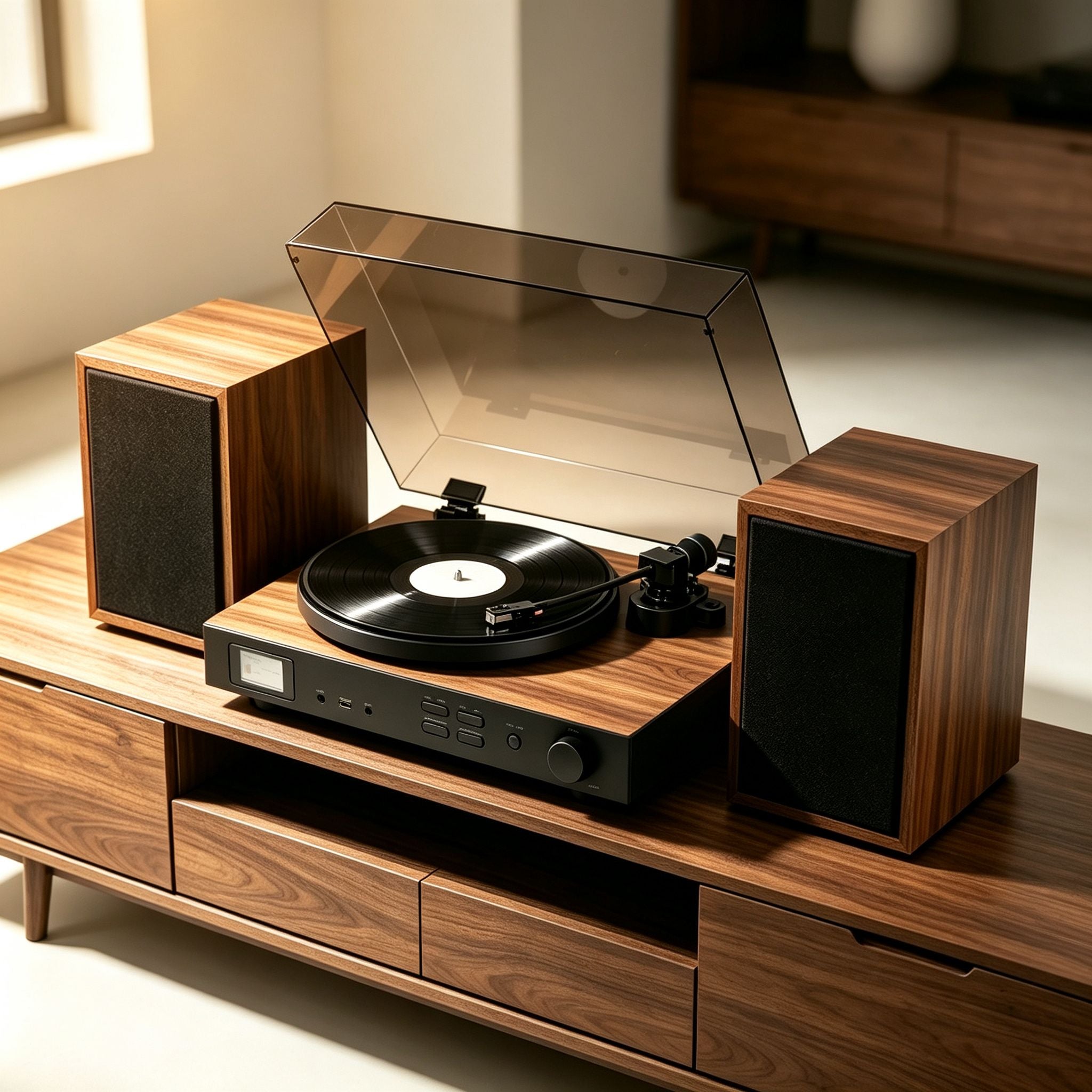
AUDURA One
Complete Home Vinyl Music System
Stereo speakers • Bluetooth • Multiple audio options
View AUDURA One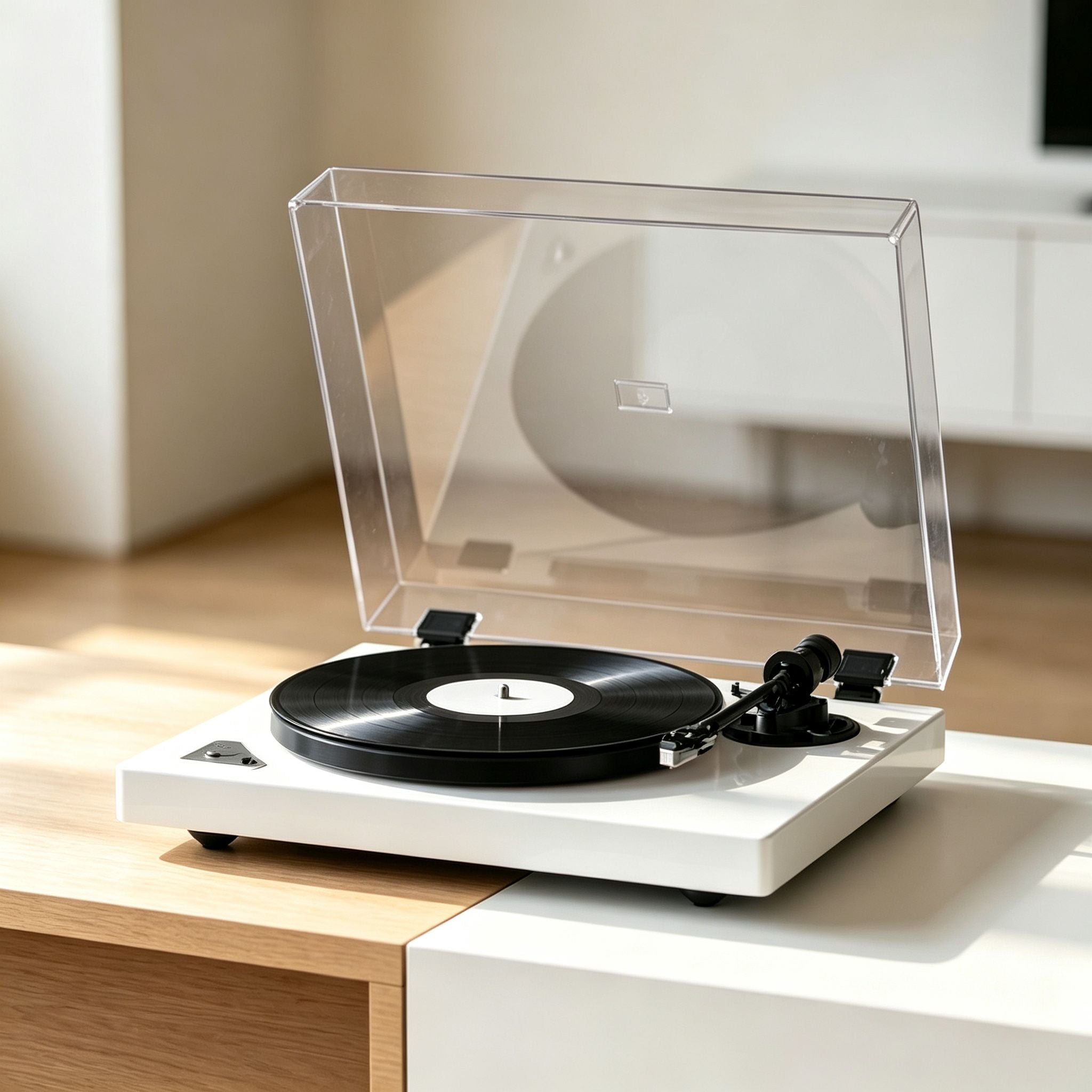
AUDURA Pure
Minimalist Bluetooth Turntable
Bluetooth output • RCA connection • External speakers
View AUDURA PureSelect your AUDURA model to find product-specific setup instructions, specifications, manuals, and support information. For setup-related issues, start with the AUDURA Turntable Setup Guide.
Still Having Problems?
If you've tried the troubleshooting steps above and your AUDURA turntable is still not working correctly, our support team is here to help.
For faster assistance, please include:
- Your AUDURA model
- Order number
- A description of the issue
- Photos or videos of the problem, when applicable
Our support team typically responds within 1 business day.
Explore AUDURA Guides
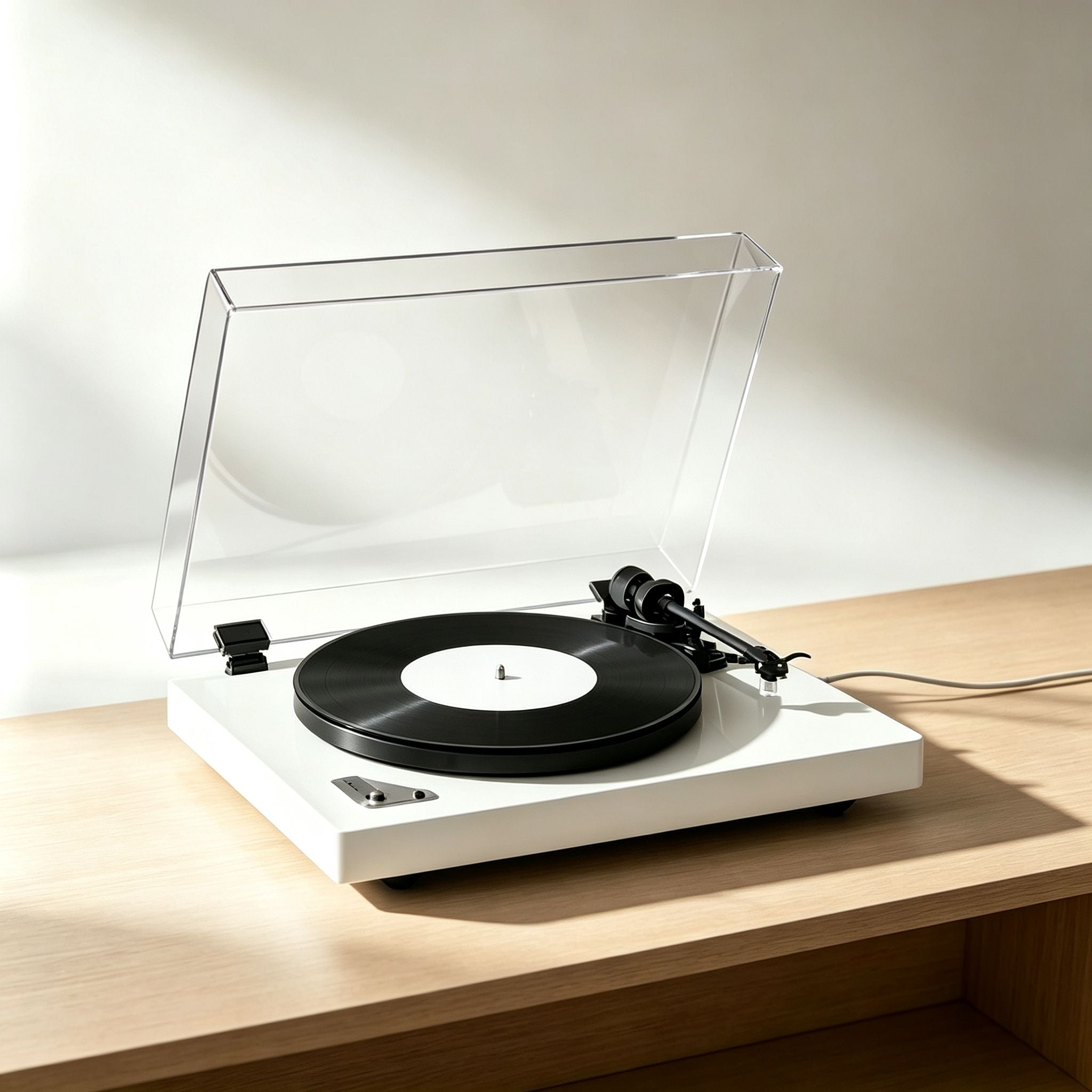
Complete Setup Guide
Learn how to assemble your AUDURA turntable, balance the tonearm, connect audio devices, and start playing records.
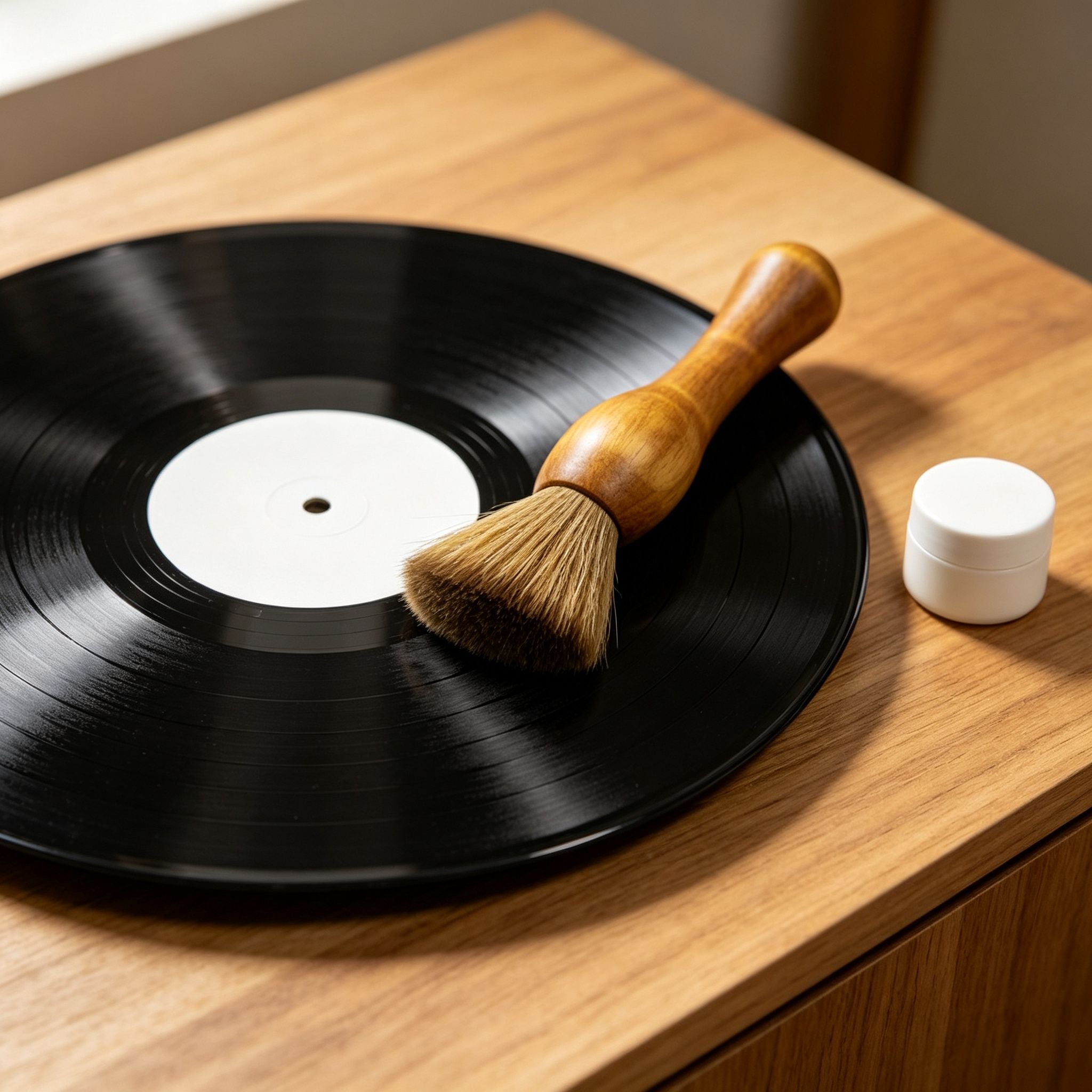
Vinyl Care
Explore products designed to help you clean your records, care for your stylus, reduce static, and protect your vinyl collection.
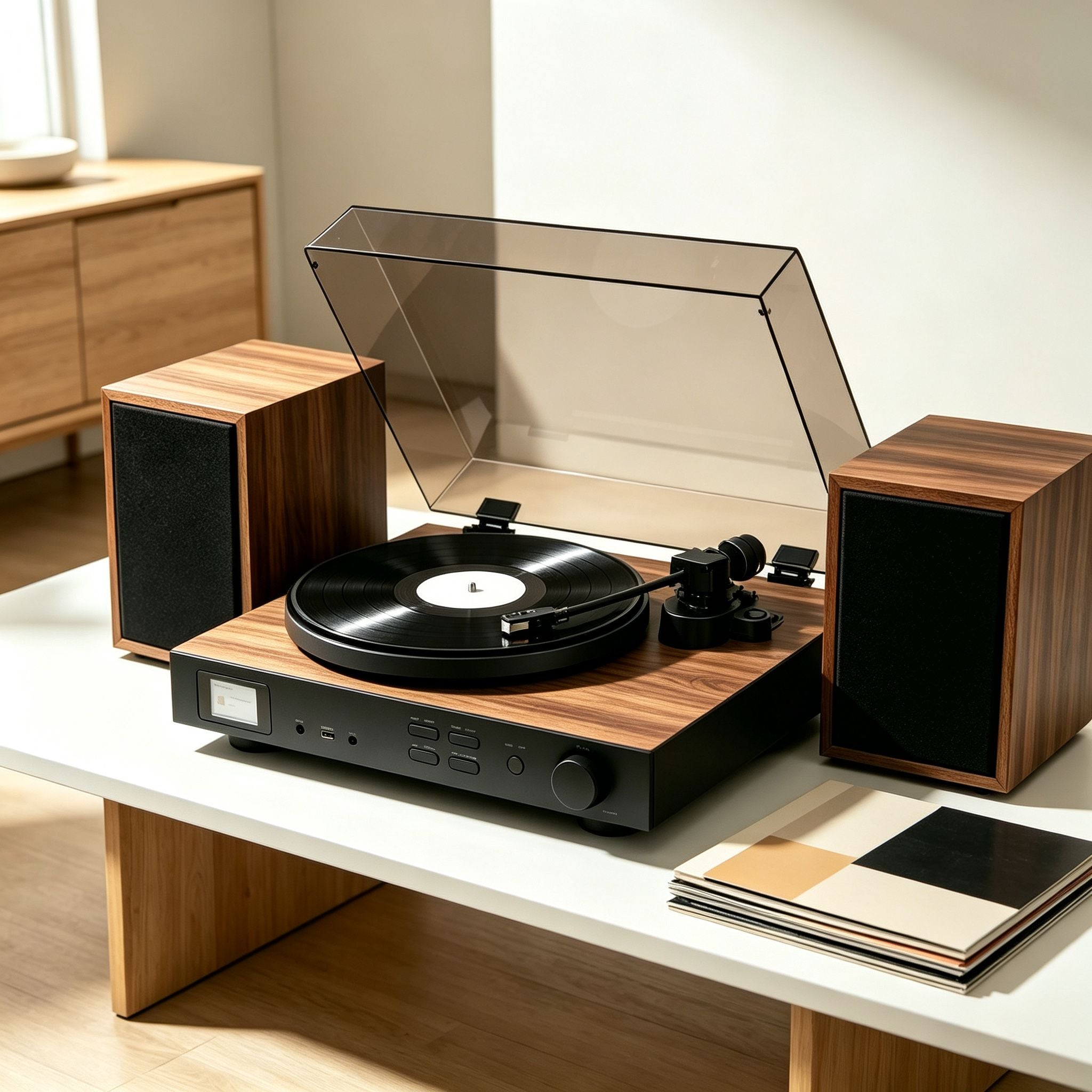
AUDURA Turntable FAQ
Find answers about AUDURA models, Bluetooth features, speakers, playback, shipping, returns, and warranty.

Shipping, Returns & Warranty
Find information about shipping options, returns, warranty coverage, and order support.