

AUDURA Help Center: Turntable Setup, Support & Vinyl Care
Everything you need to set up, enjoy, troubleshoot, and maintain your AUDURA turntable for a better vinyl listening experience.
Explore setup guides, troubleshooting solutions, vinyl care tips, and product support designed to help you get the most from your AUDURA system.
Get Support for Your AUDURA Experience
Find everything you need to set up your turntable, explore helpful guides, and enjoy the best performance from your AUDURA system.
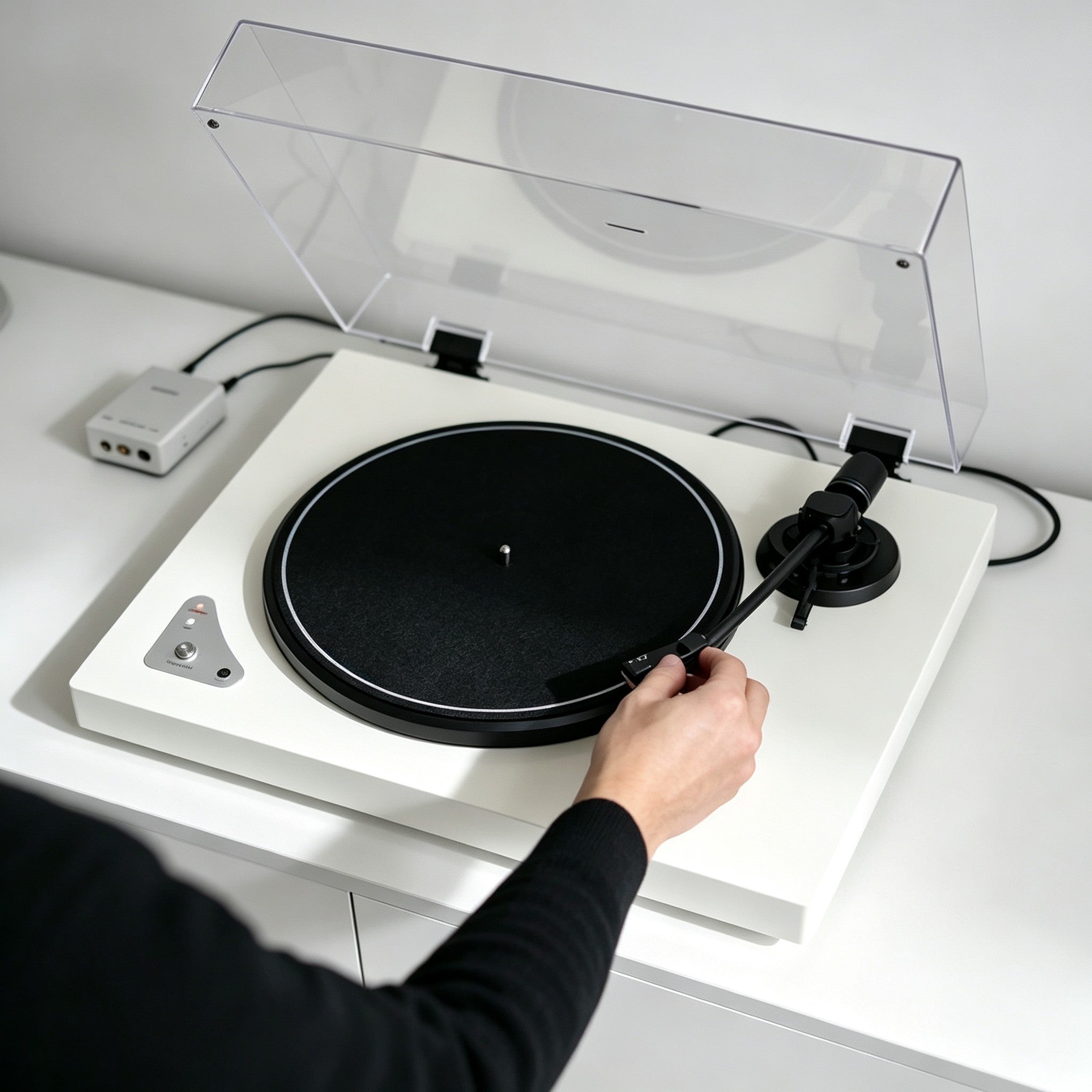
Setup
Follow step-by-step instructions to assemble your turntable, connect your audio system, and begin your vinyl journey.
View Setup Guide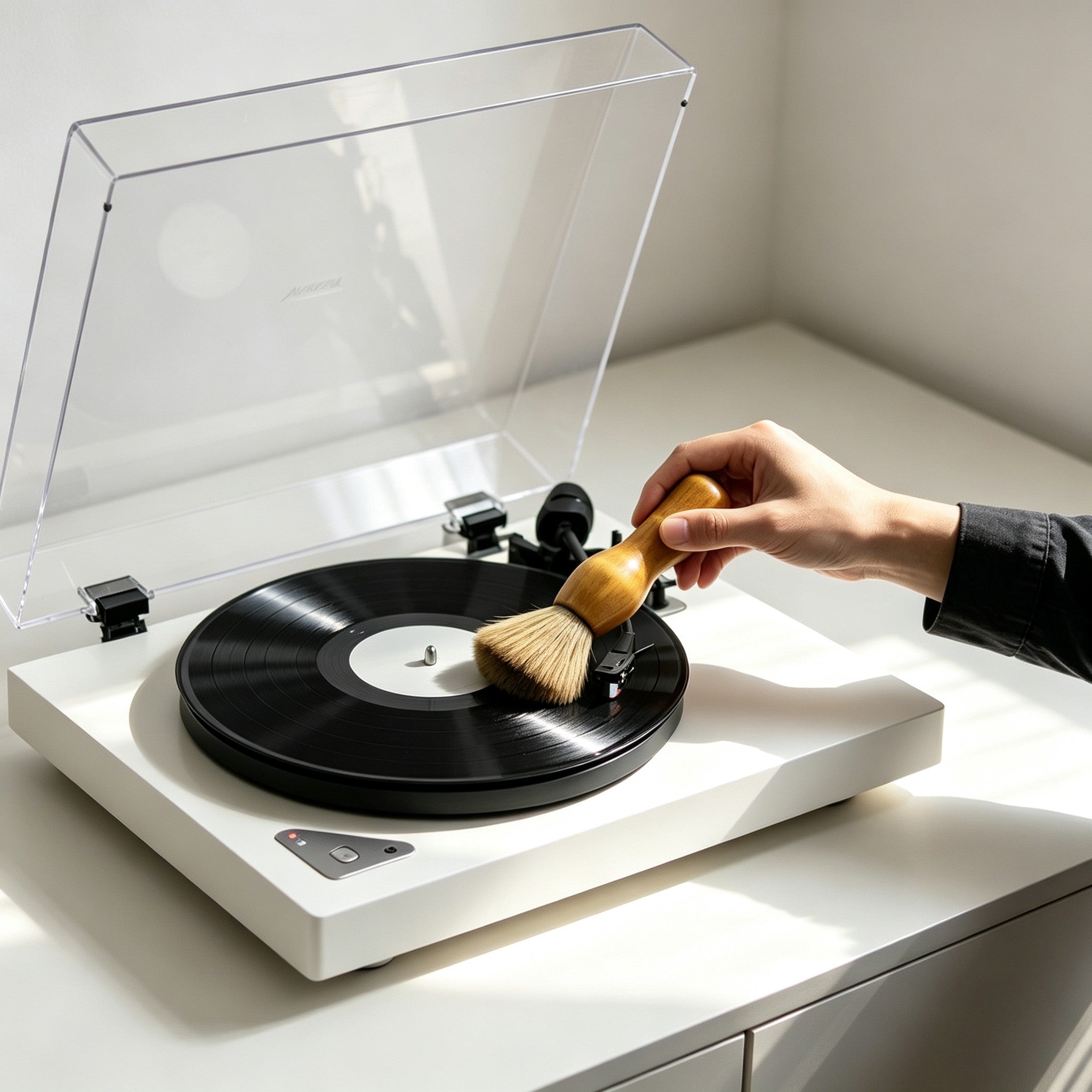
Vinyl Care
Learn how to clean your records, care for your stylus, and maintain the best possible sound quality.
Explore Vinyl Care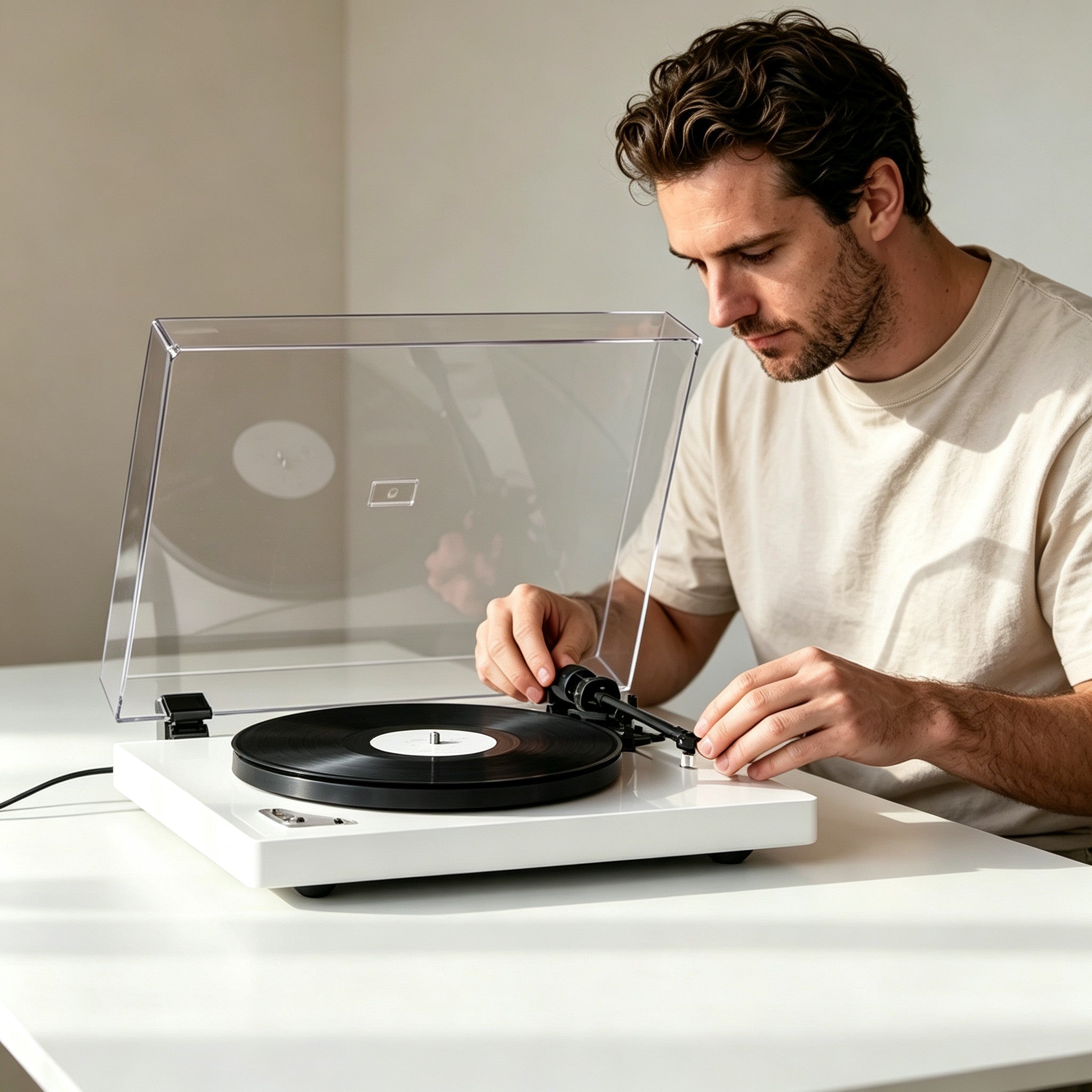
Troubleshooting
Quickly solve common turntable issues including no sound, skipping records, Bluetooth connection problems, and setup errors.
Solve Playback Issues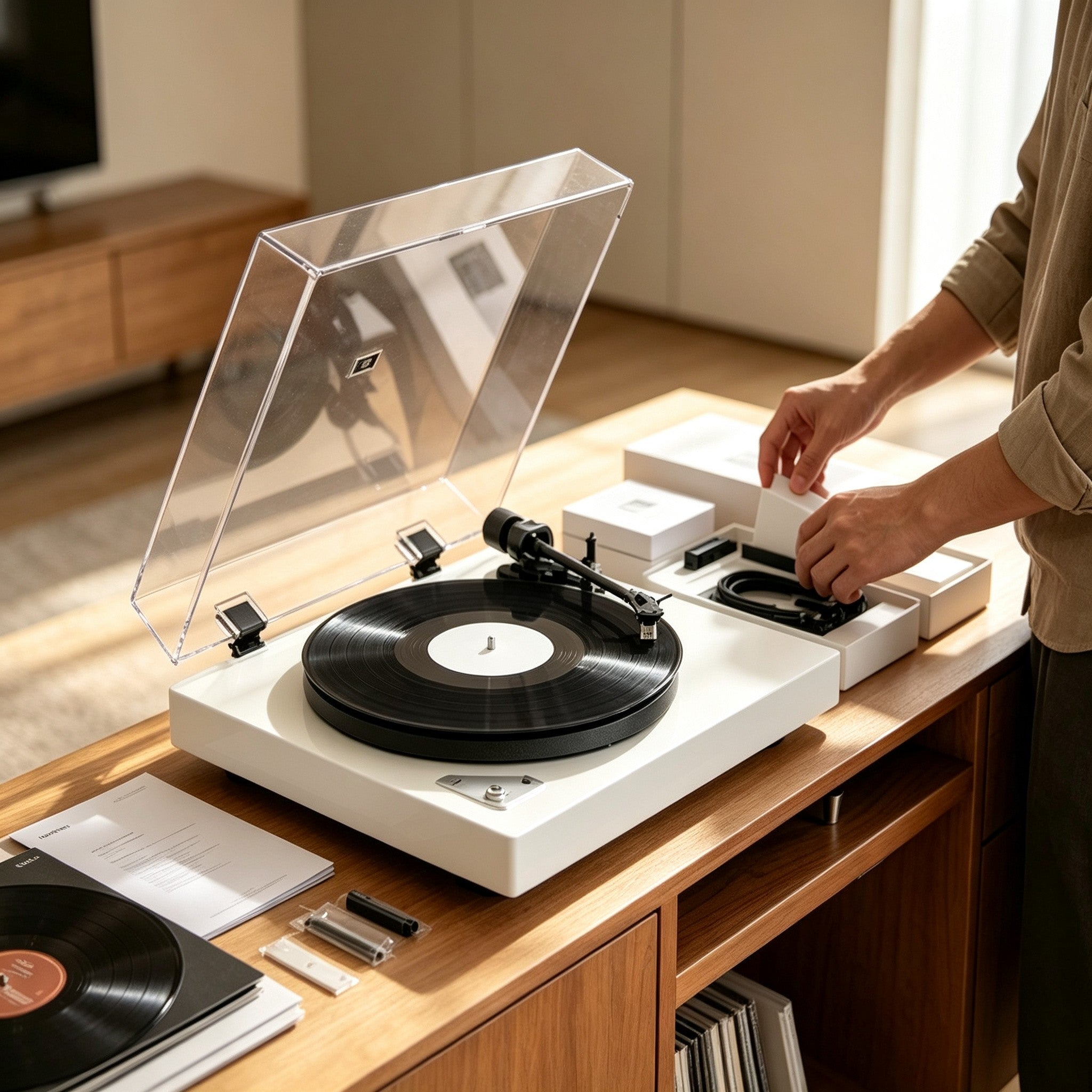
Orders, Shipping & Warranty
Access order updates, shipping information, returns, and warranty assistance.
Shipping & Warranty SupportCommon Turntable Issues & Solutions
Find quick solutions for common setup, playback, and connection issues.

Playback Issues
- Turntable won't turn on
- No sound from speakers
- Bluetooth connection issues
- Skipping records
- Distorted audio
Bluetooth Connection
- Bluetooth pairing problems
- Connection drops
- No audio through Bluetooth
Maintenance & Care
- Stylus replacement
- Record cleaning
- Speed adjustment
- Turntable maintenance

Start Your Vinyl Journey
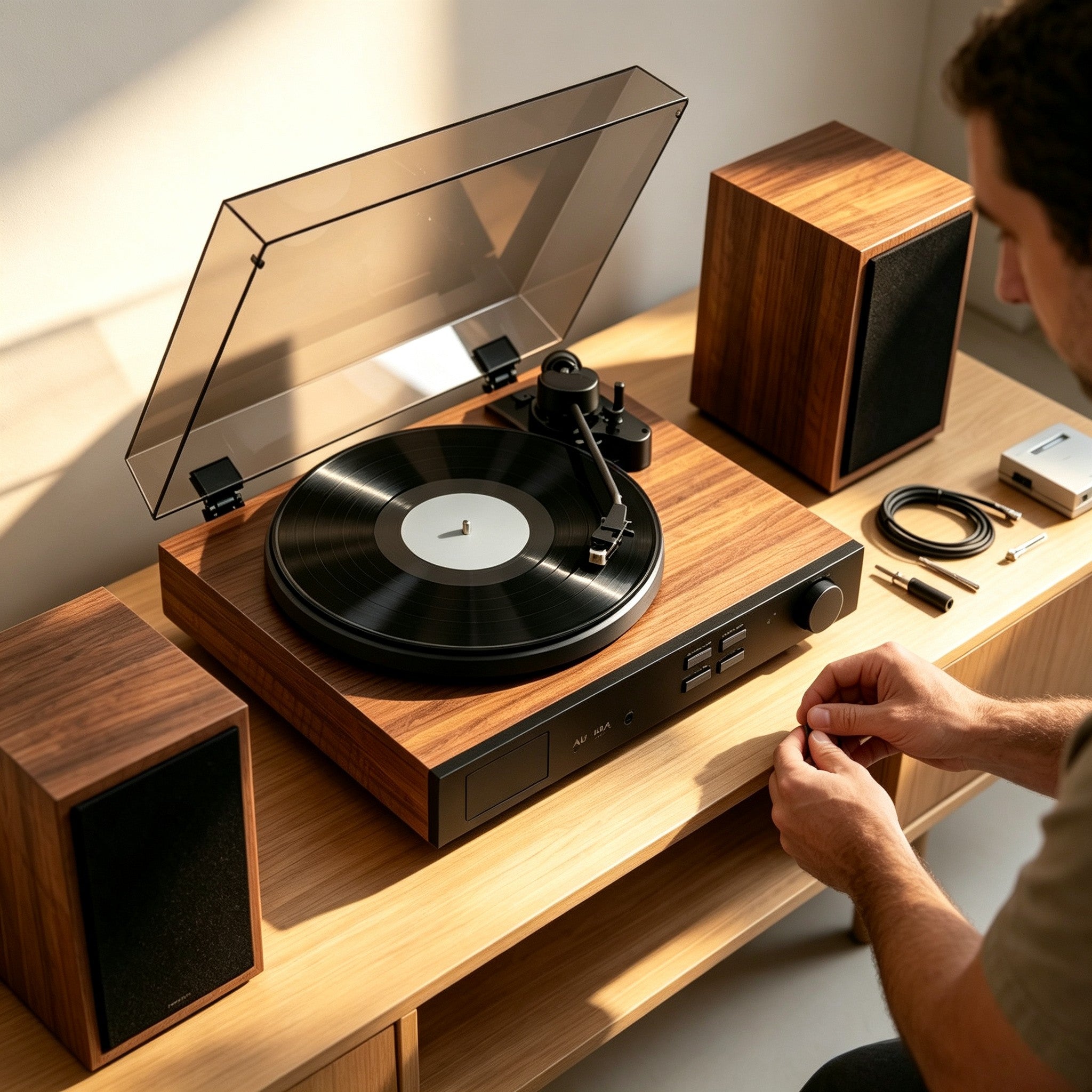
New to vinyl? Start your listening journey with a simple step-by-step guide designed for first-time listeners.
AUDURA turntables are designed to make vinyl listening simple, enjoyable, and accessible for both new listeners and experienced vinyl enthusiasts.
In this guide you'll learn:
✓ Unbox and set up your turntable
✓ Connect Bluetooth or wired audio devices
✓ Learn basic turntable controls
✓ Play your first record
✓ Care for your vinyl collection
Choose Your AUDURA Turntable
Choose your AUDURA model to access setup instructions, manuals, troubleshooting, FAQs, and product-specific support.
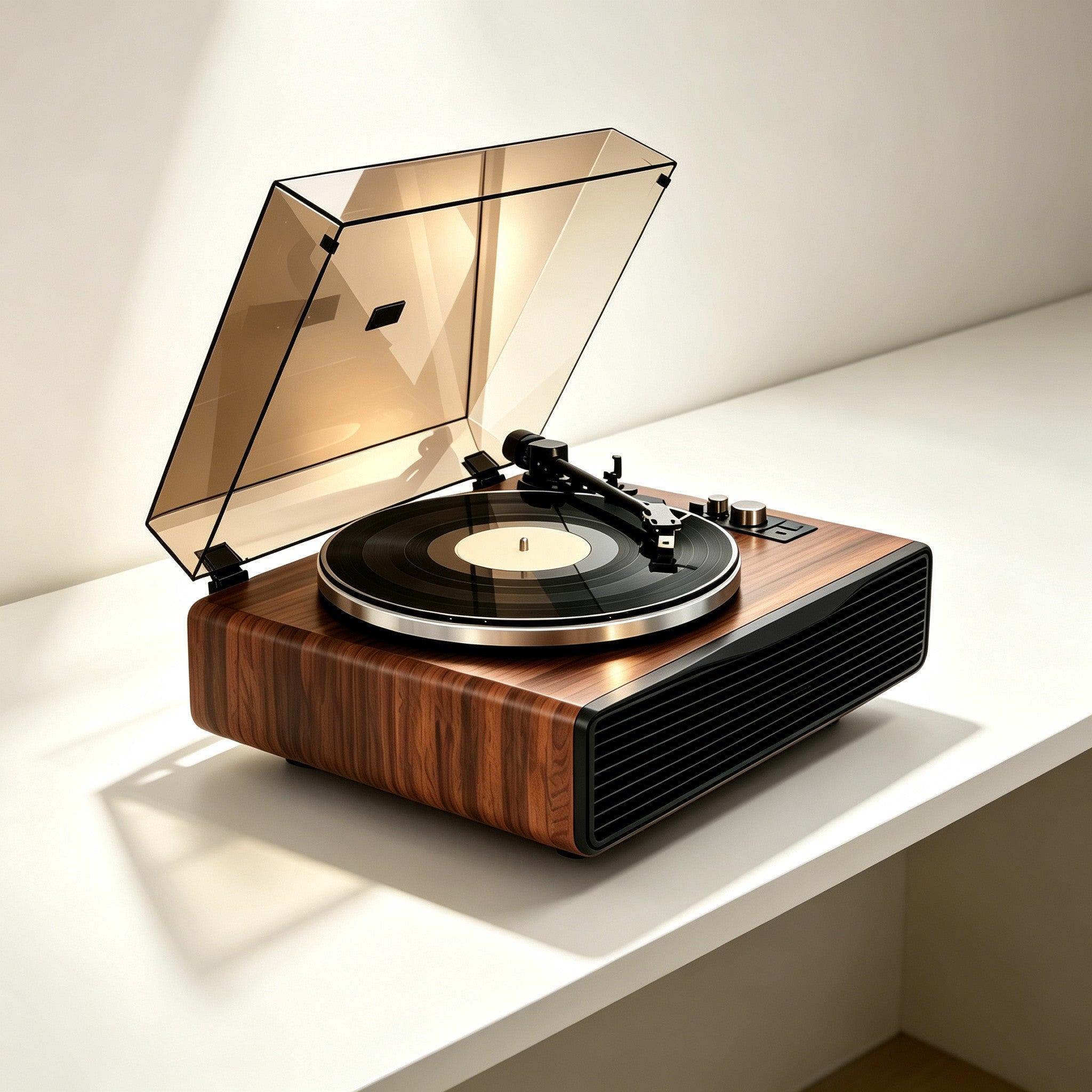
AUDURA Play
All-in-One Vinyl Listening System
Built-in speakers • Bluetooth input• Plug & Play setup
- Setup Guide
- User Manual
- Troubleshooting
- FAQs
- Product Specifications
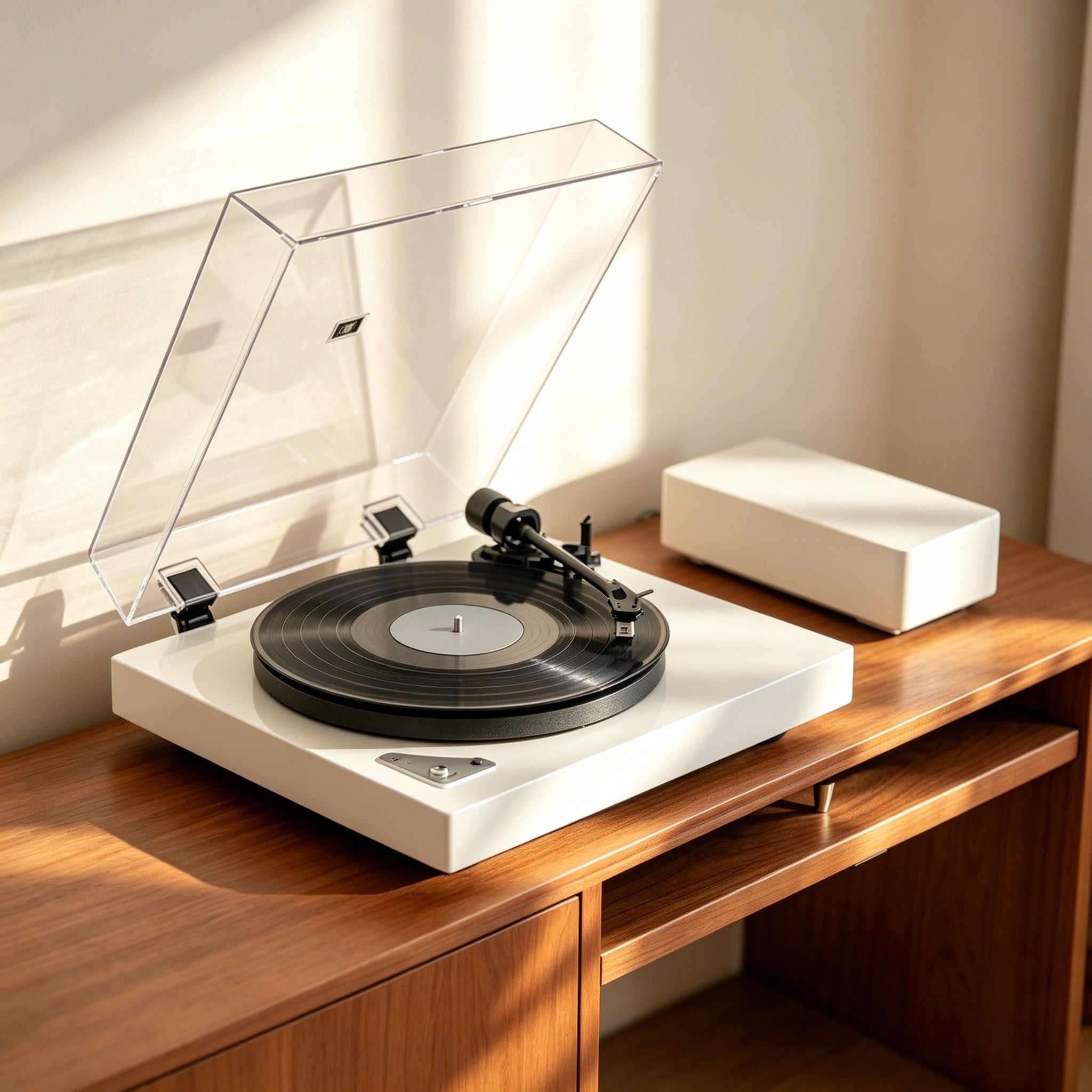
AUDURA Pure
Minimalist Bluetooth Turntable
Bluetooth output • RCA connection • External speakers
- Setup Guide
- User Manual
- Troubleshooting
- FAQs
- Product Specifications
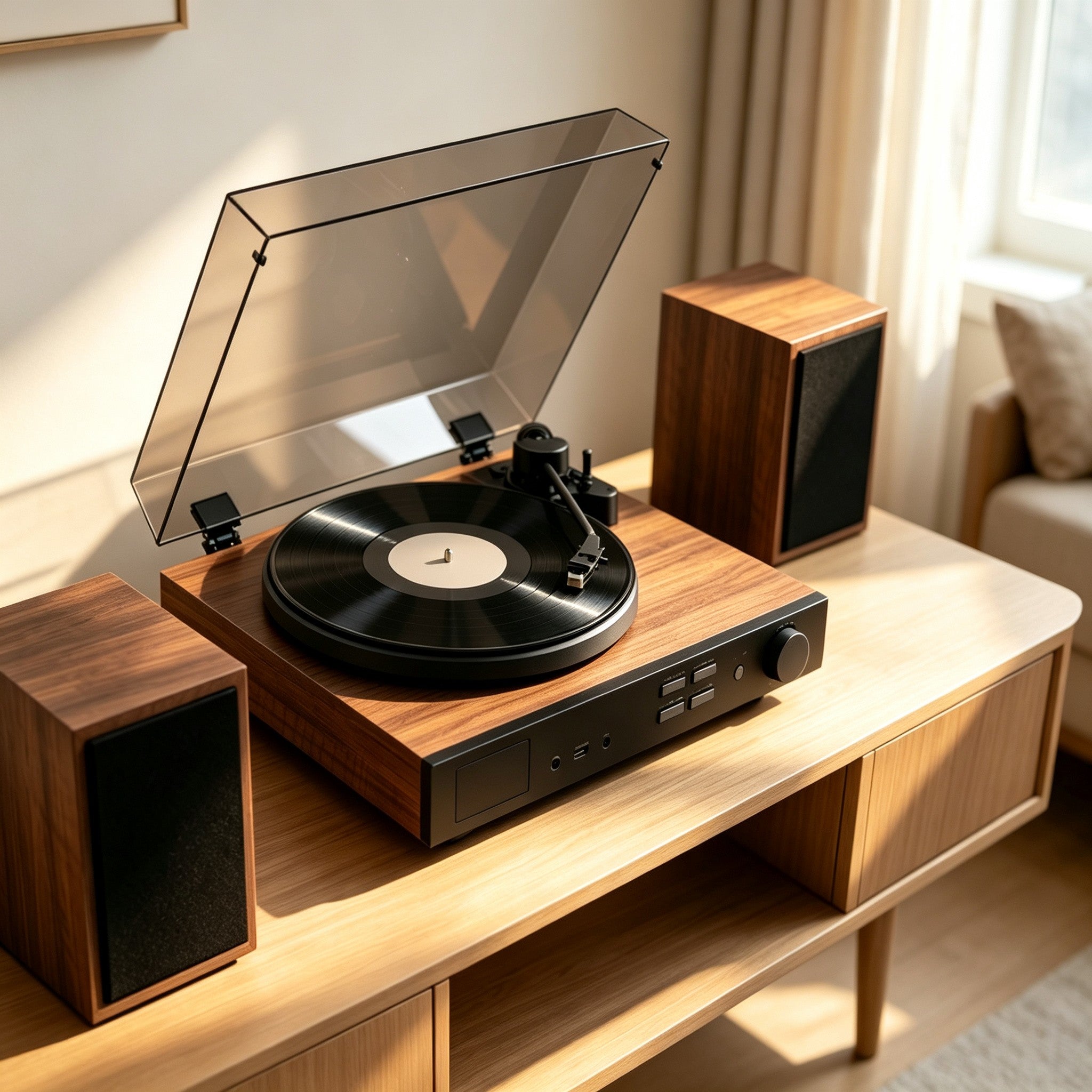
AUDURA One
Complete Home Vinyl Music System
Stereo speakers • Bluetooth input • Multiple audio options
- Setup Guide
- User Manual
- Troubleshooting
- FAQs
- Product Specifications
Shipping, Returns & Warranty
Shop with confidence knowing your AUDURA purchase is supported by reliable shipping, easy returns, and dedicated product support.

Shipping Support
We provide reliable shipping options to ensure your AUDURA products arrive safely and securely.
All orders include tracking information, allowing you to follow your delivery progress from shipment to arrival.
Shipping Options
- Free Standard Shipping
7–15 Business Days
Tracking Included
- Express Shipping
5–8 Business Days
Tracking Included
- Priority Express Shipping
4–7 Business Days
Tracking Included

Returns & Exchanges
We want you to enjoy your AUDURA experience with confidence.
We accept returns for eligible purchases. Please review our return policy for eligibility requirements, return conditions, and instructions. If you need assistance, our AUDURA support team is here to help make the return process as smooth as possible.

Warranty Coverage
Your AUDURA turntable is built for long-lasting listening enjoyment. Our warranty provides support for eligible manufacturing issues and product-related concerns.
What's Covered:
✓ Manufacturing defects
✓ Eligible product-related issues covered under warranty terms
Not Covered:
× Physical damage
× Improper use
× Unauthorized modifications
Frequently Asked Questions
Find answers to common questions about setup, features, maintenance, shipping, and product support.
Yes. AUDURA turntables are designed to make vinyl listening simple and accessible for first-time listeners, while still offering features that experienced vinyl enthusiasts can enjoy.
Depending on the model, AUDURA systems offer features such as simple setup, Bluetooth connectivity, built-in speakers, and flexible audio connections. This makes it easy to start listening without a complicated audio setup.
The right AUDURA turntable depends on your listening style, space, and preferred setup.
AUDURA Play is ideal if you want an all-in-one system with built-in speakers and simple plug-and-play listening.
AUDURA Pure is a better fit if you prefer external speakers and more flexibility for your listening setup.
AUDURA One is designed for listeners who want a more complete home audio experience with stereo sound and versatile connectivity.
You can also use our Find Your AUDURA Setup guide to discover which system best matches your needs.
It depends on the AUDURA model.
Some AUDURA systems include built-in speakers, so you can enjoy vinyl without purchasing additional audio equipment.
Other models are designed to connect to external powered speakers or compatible audio systems. If you are using passive speakers, an amplifier may be required.
Check your specific AUDURA model's specifications before connecting external audio equipment.
Bluetooth features vary by model.
Selected AUDURA turntables support Bluetooth audio connectivity, allowing you to connect compatible Bluetooth speakers or other supported Bluetooth audio devices.
For the exact Bluetooth features available on your turntable, please check the product specifications for your specific AUDURA model.
First, activate Bluetooth mode on your AUDURA turntable and place your compatible Bluetooth speaker into pairing mode.
Select your AUDURA turntable from the available Bluetooth devices and wait for the connection to be established.
If pairing does not work, make sure the devices are within range, disconnect previous Bluetooth connections, and try pairing again.
For model-specific instructions, please refer to your product's setup guide or user manual.
Make sure the power adapter is securely connected to both the turntable and a working power outlet. Check that the power switch is turned on and that all required connections are properly installed. If the turntable still does not power on, contact AUDURA Support with your product model and order information for further assistance.
Check that your turntable and audio equipment are powered on and that all cables are securely connected. If you are using Bluetooth, confirm that your audio device is paired and selected correctly. Also check the volume level and make sure the correct output or input mode is selected. If your model uses external speakers or an amplifier, confirm that the equipment is compatible with your turntable's output. If the issue continues, contact AUDURA Support for assistance.
Record skipping can be caused by several factors, including dust or dirt on the record, an uneven surface, incorrect tonearm balance, or incorrect tracking force.
Start by checking that your record is clean and that your turntable is placed on a stable, level surface. Then confirm that the tonearm and tracking force are correctly adjusted according to your AUDURA model's instructions.
If the problem continues, contact AUDURA Support for further assistance.
Use a soft record-cleaning brush or a dedicated vinyl cleaning solution to gently remove dust and debris from the record surface and grooves.
Handle records by their edges to avoid transferring fingerprints and oils onto the playing surface. Avoid harsh household cleaners or abrasive materials.
Keeping your records clean helps maintain playback quality and can also reduce unnecessary stylus wear.
Keep the stylus clean and avoid touching it directly. Regularly clean your records and make sure the tonearm and tracking force are correctly adjusted for your AUDURA model.
A stylus may need replacement if you notice increased distortion, changes in sound quality, skipping, or other signs of wear.
Because stylus replacement procedures vary by model, follow the instructions provided with your product or contact AUDURA Support for assistance.
AUDURA offers the following shipping options:
Free Standard Shipping
7–15 business days
Tracking included
Express Shipping
5–8 business days
Tracking included
Priority Express Shipping
4–7 business days
Tracking included
Once your order ships, tracking information will be provided so you can follow your delivery.
Yes. Eligible AUDURA purchases may be returned according to our return policy.
If you need to return an order, please review the return requirements and contact AUDURA Support before sending the product back. Our team can provide the appropriate return instructions and help guide you through the process.
Still Need Help?
Can't find what you're looking for?
Our AUDURA support specialists are here to help you get the most from your listening experience.
Our support team typically responds within 1 business day.
For faster assistance, please include your order number, product model, and photos or videos (if applicable).
Explore AUDURA Guides
Browse our most helpful setup guides and support articles.
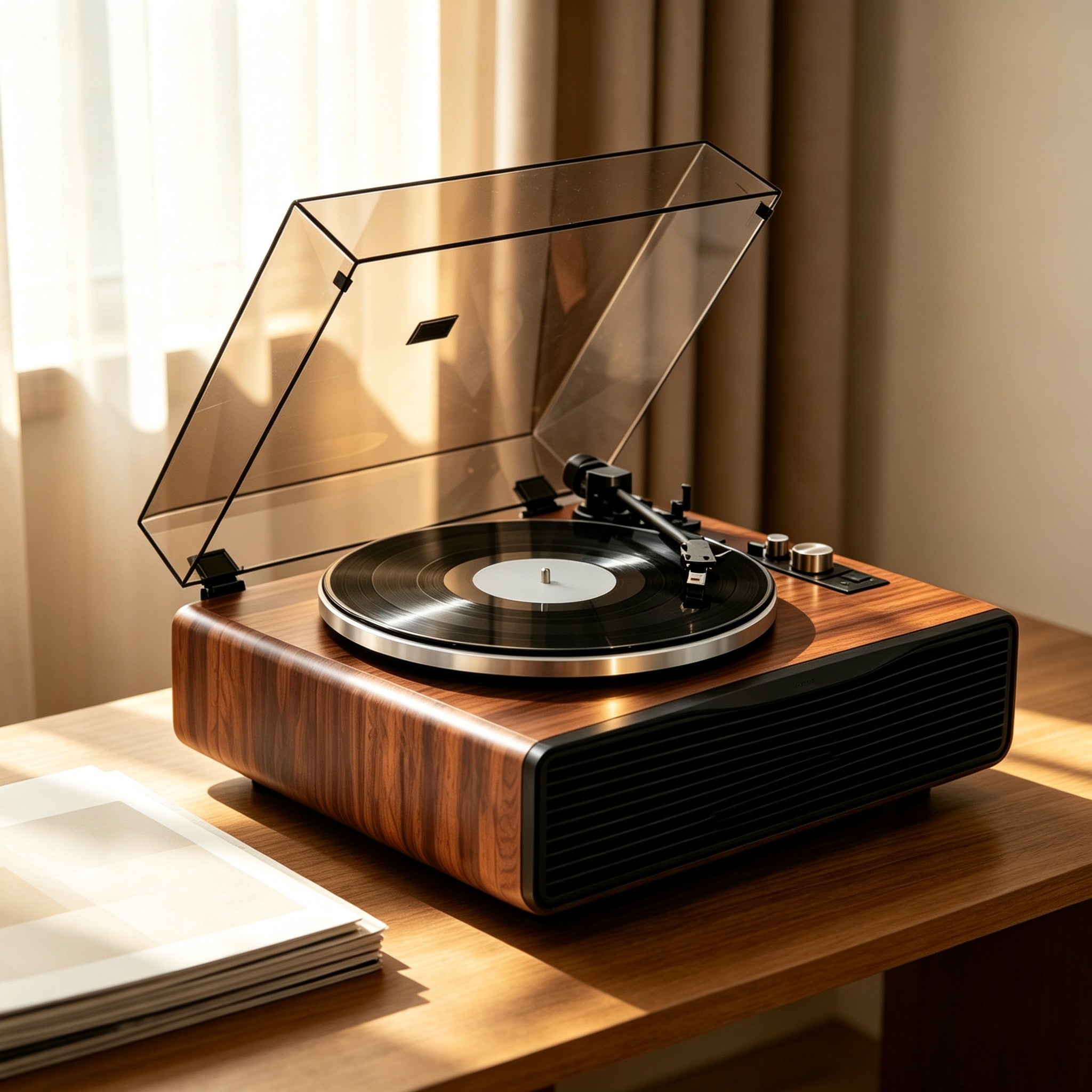
Beginner Vinyl Guide
New to records? Learn the basics of vinyl listening and record care.
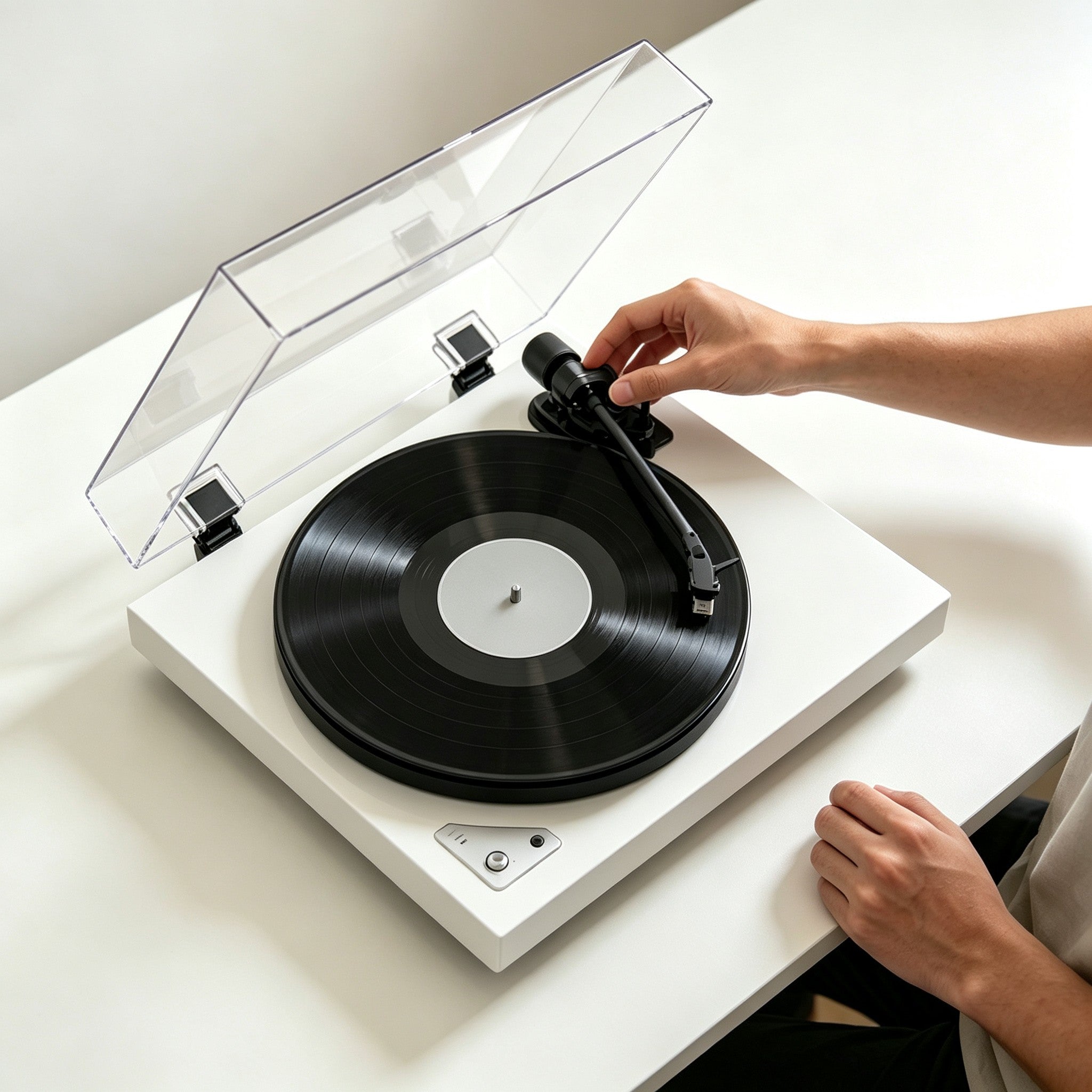
Complete Setup Guide
Everything you need to get started.
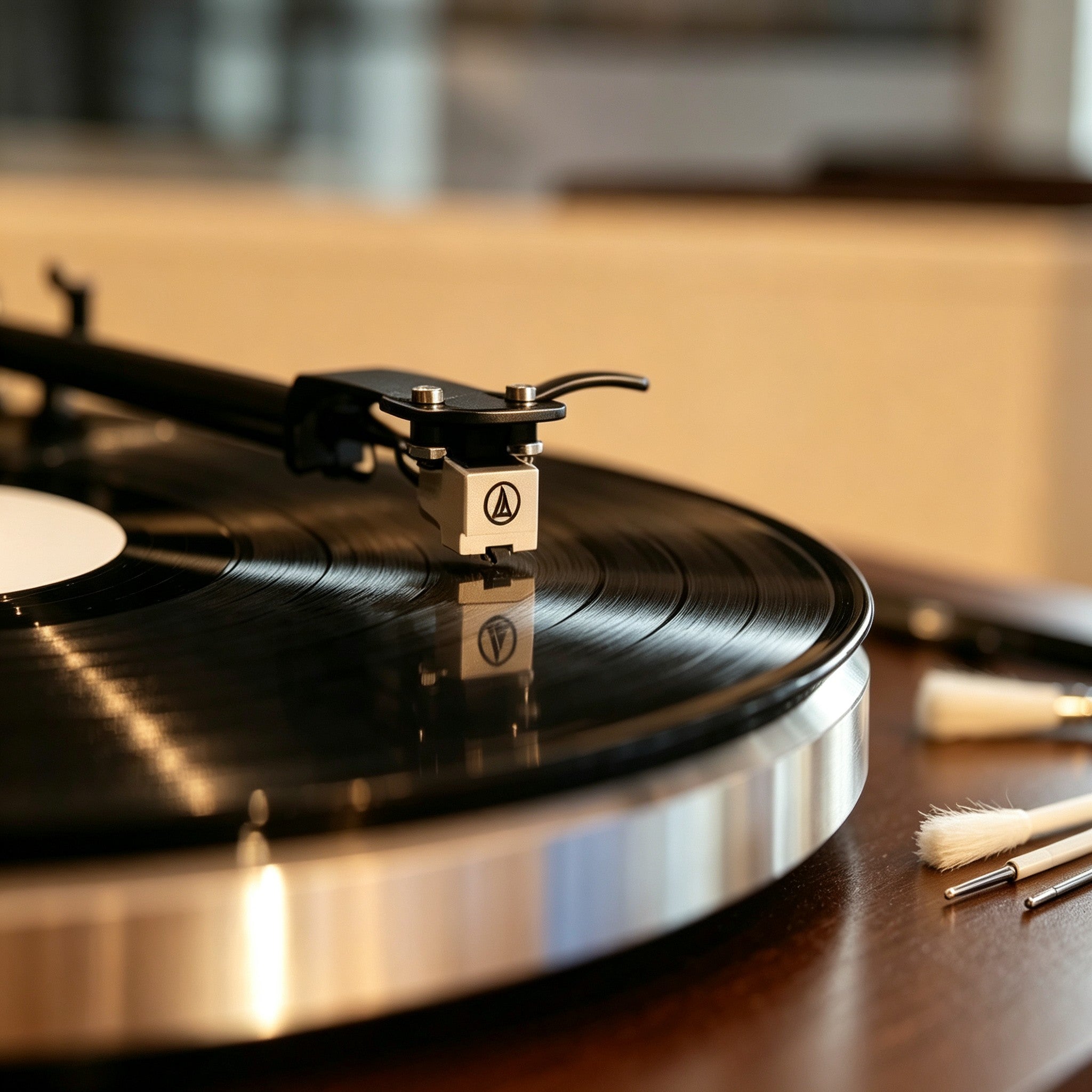
Cartridge & Stylus Guide
Learn about stylus replacement, cartridge care, and better sound.
Troubleshooting Hub
Find solutions to common playback and setup issues.